
I Let Flodesk's New AI Tool Design My Newsletter. Here's What Actually Happened
A note before we start: Flodesk invited me into their partner program for Flodesk Studio, their new email design tool, ahead of its public launch. I'm not on a commission structure for this one — this is a paid partnership. What follows is my honest use of the tool, on my actual newsletter, including the parts that annoyed me. If a tool stops working for me, I say so — sponsor or not.
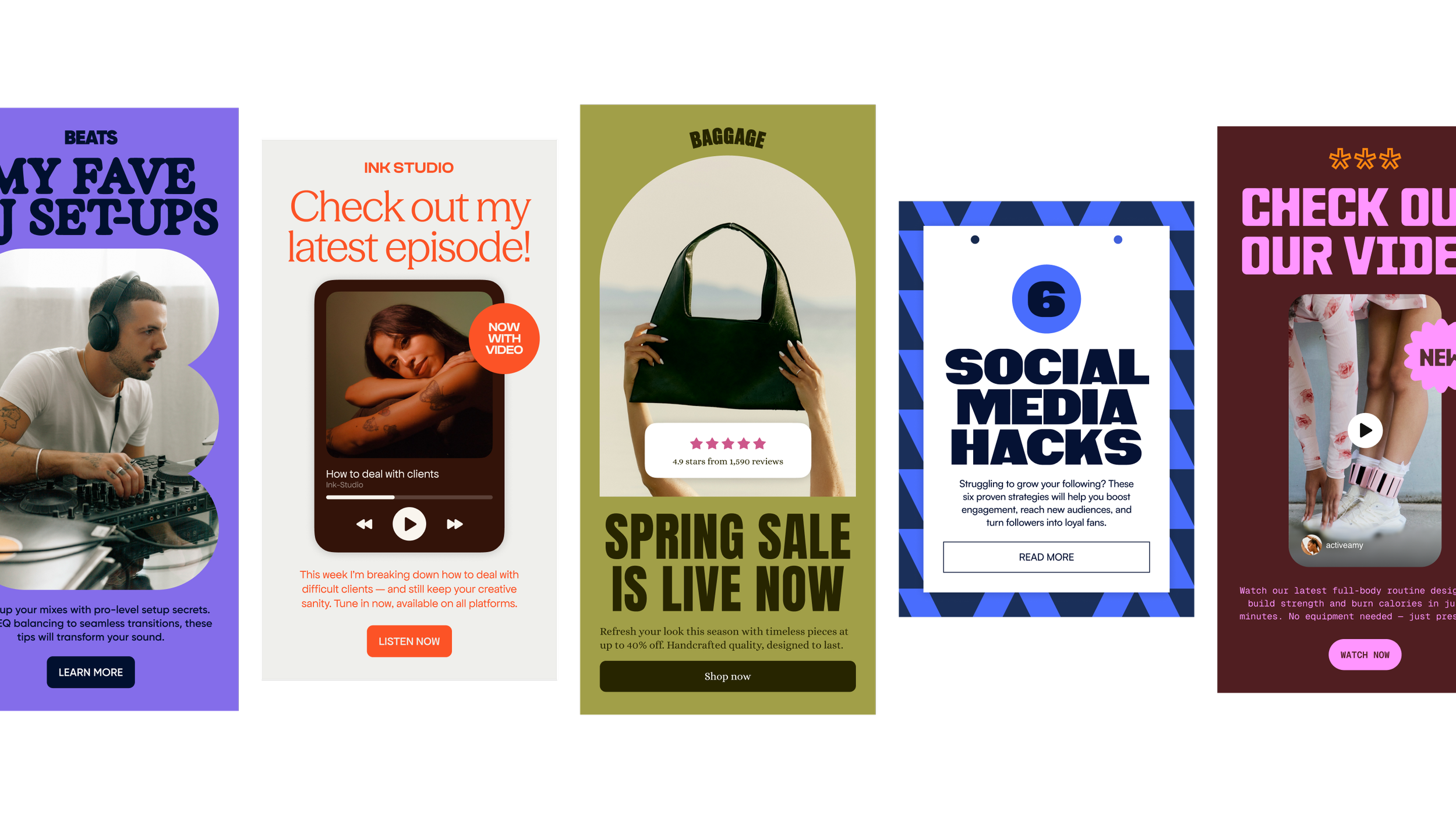
Sunday, 8pm. I'm sitting with the Croissant Club draft open in one tab and a blank Canva file in another, because the header image I wanted didn't exist yet, and I had maybe twenty minutes before I needed to hit send. This is the actual weekly bottleneck nobody tells you about when they say "just start a newsletter." Writing the thing takes me forty minutes. Making it look like it wasn't thrown together in the last twenty of them — that's the part that eats the evening.
So when Flodesk asked if I wanted early access to Studio, their new AI-accelerated email design tool, I said yes mostly out of curiosity and a little out of desperation. I've been on Flodesk since 2020, after hearing a podcast episode from Jenna Kutcher, and I've built every Croissant Club send by hand in their regular editor since (and MANY other newsletters and email campaigns). I wasn't looking to replace anything. I was looking for the twenty minutes back.
What I was actually trying to fix
Here's the honest version of my email workflow before Studio: I write down my notes in a doc or a record an audio, first. Then I use Claude to draft the whole newsletter (using skills : my Claude is fully “mine”, ie my own voice). Then I open Flodesk's regular builder and start dragging blocks — a header, a divider, an image block I have to go find or make. Of course I made a specific template for my weekly sunday newsletter but only because I don’t want to waste time creating from scratch every sunday. If I want something that looks intentional, not templated, I'm usually pulling in a Canva graphic I made separately or use Flodesk templates, which means two tools, two tabs, two places for the brand to drift slightly off itself.
None of that is dramatic. It's just friction, every single Sunday, at the exact moment I have the least patience left in the week for friction.
What I wanted wasn't a tool that writes the newsletter for me, the words are the one part of this that's actually mine. What I wanted was something to hand the visual assembly to, so my Sunday energy goes into the confession, not the color palette.
What Flodesk Studio actually is
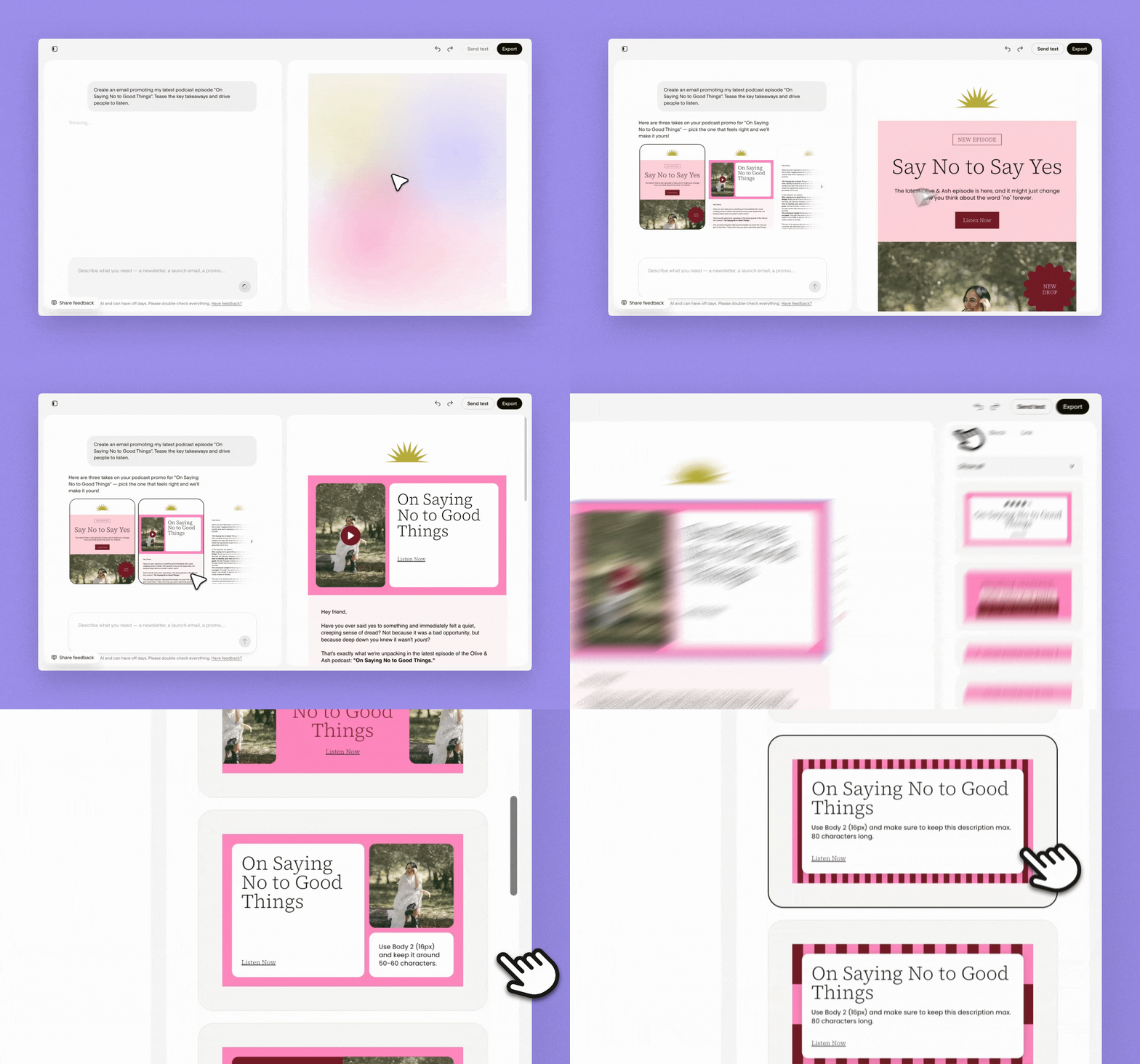
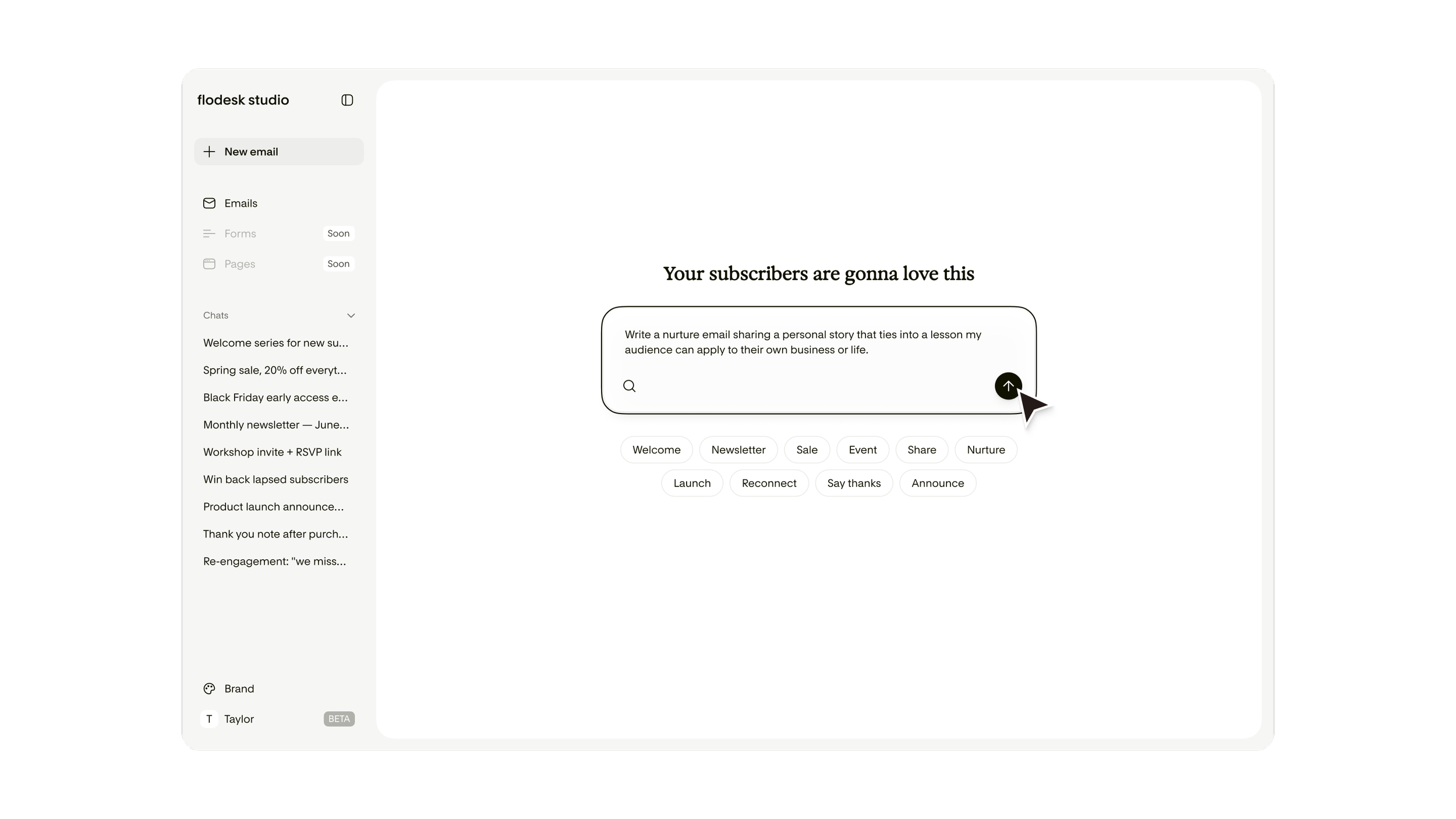
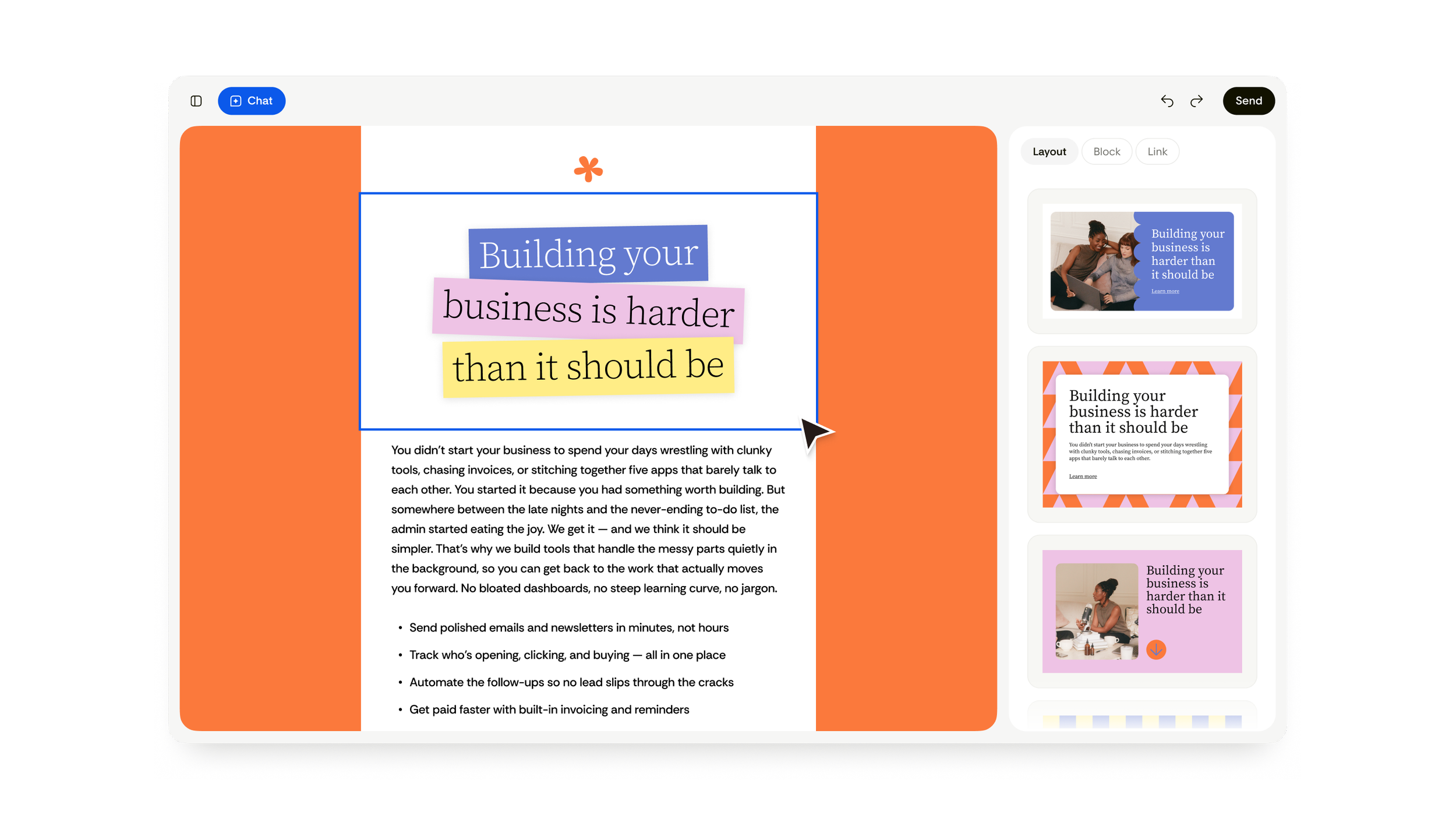
Studio is a separate app from the regular Flodesk builder — new infrastructure, still free while it's in beta, no credit card. You describe the email you want in a prompt, or start from a template, and it generates three versions off the same brief: a visual one, a banner-led one, and a plain-text one. From there you edit it — in chat, by dragging things around, or pixel by pixel by hand.
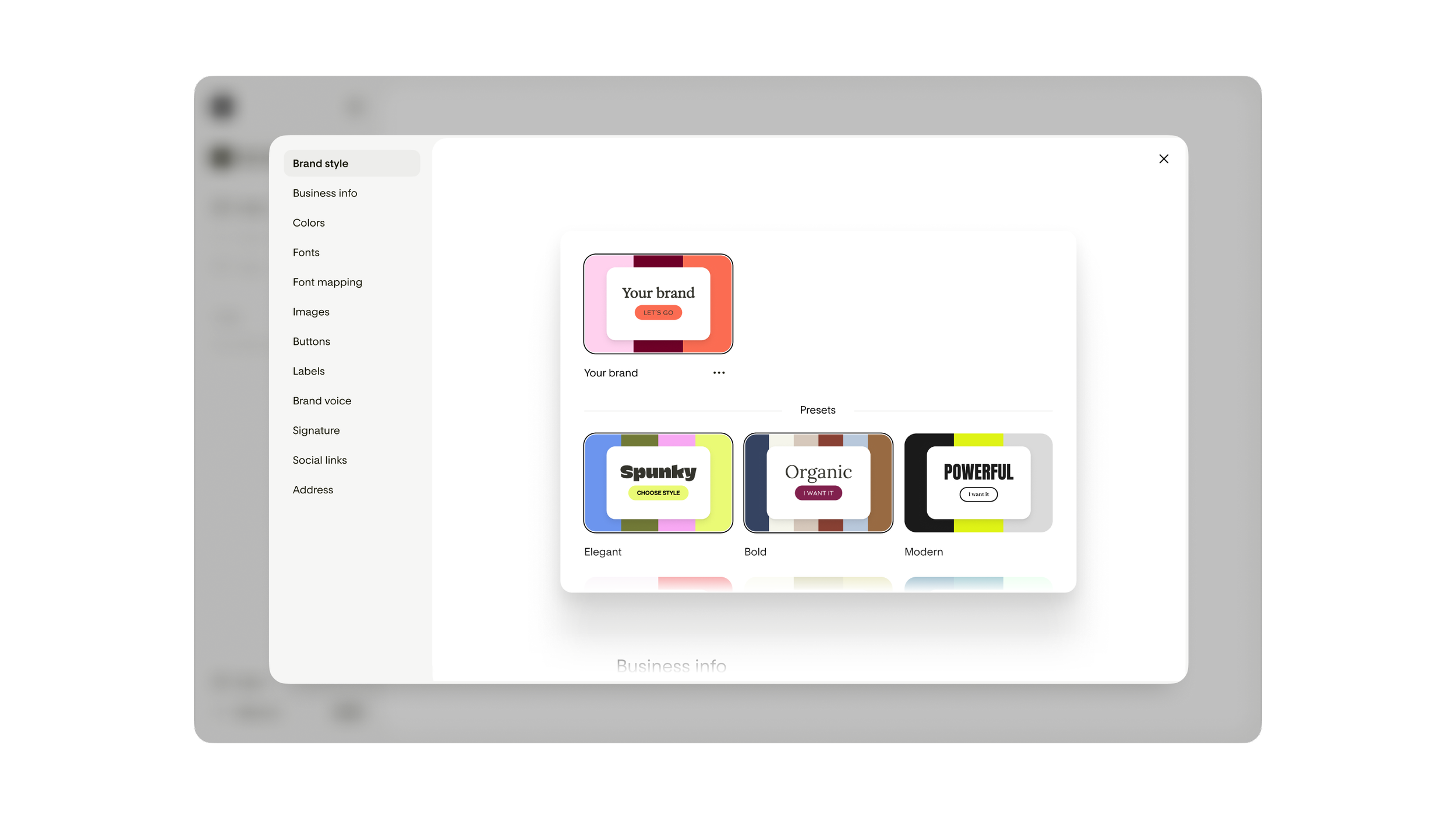
The distinction Flodesk keeps making, and the one that actually held up when I used it: the AI isn't generating the design from nothing. Real designers built the underlying component library — the layouts, the block types, the sticker shapes — by hand, first. The AI's job is assembling those pieces to your brief and applying your brand colors and type on top. That's a meaningfully different thing from a generic "AI email builder," and it's the reason the first draft I got back on Tuesday didn't look like eleven other newsletters I get in my own inbox. It looked like a rougher version of something a designer would hand me.
What I love, specifically:
The prompt-to-draft speed is real. I typed roughly what I wanted — a confession-style Sunday send, my usual colors, one photo block, one CTA — and had three usable directions in under a minute. That's the twenty minutes back, right there. I simply LOVE this.
The block library is bigger and more useful than Flodesk's regular builder: testimonial blocks, countdown blocks, a recipe block I have zero current use for but appreciated existed, quote blocks that actually look like something instead of a text box with quotation marks slapped on. Stickers move and rotate freely on the canvas, which sounds small until you're the person who's spent ten minutes trying to nudge an image two pixels left in a rigid grid builder.
It exports to HTML. This matters more than it sounds like it should — you can design in Flodesk Studio and send from wherever you actually are, Flodesk or not (even though you really wanna sign up for Flodesk now). For a tool that's technically a Flodesk product, that's an unusually generous decision, and I don't think I'd trust the tool as much if they'd locked it to their own send infrastructure.
What frustrates me, because two things always do:
It's email-only, for now. If you were hoping to redesign a landing page or an opt-in form with the same speed, that's on their roadmap and not here yet — which means my workflow is still split across tools for anything beyond the newsletter itself.
Editing after export can be clunky. Once you've sent a design over to Flodesk proper, you can't tweak it there — you have to go back into Studio, edit, and re-export. I made this mistake on my second send: caught a typo in the Flodesk builder, tried to fix it in place, couldn't, had to backtrack. Small annoyance, real one.
And it's one brand profile per account right now, which is irrelevant for most of you and mildly annoying for me, since I'm running two brand identities across HWC and MJPI and would love Studio to hold both.
Who this is actually for
If you're sending one newsletter a week and your bottleneck is the same as mine — the writing is fine, the assembly is what eats the evening — Studio closes that gap fast, and it's free while they're in beta, so the cost of finding out is zero.
If you're deep into a fully custom coded template you're precious about, or if your business lives on the landing-page-and-forms side of things rather than email sends, this isn't solving your problem yet. It's an email tool, today, full stop.
Where I've landed on it
I drafted three Croissant Club issues through Flodesk Studio this week, and I'm not going back to building from a blank block canvas every Sunday. It didn't touch the words — those are still mine, unresolved sentences and all — it just gave me my twenty minutes back to actually finish the newsletter instead of fighting the layout.
If you want to try it yourself, it's free during the beta: and if you decide to go full into Flodesk (partnership link, full disclosure, no cost to you either way), you might want to check this blogpost of mine: Flodesk vs Mailchimp: My Honest Switch.
I'm currently sending on the free beta. I'll tell you in a future recap if that changes, and what it costs when it does — Flodesk hasn't decided pricing yet either, so we're finding that out together.
A closing aside, for the systems-curious among you: word going around the partner group is that Studio runs partly on Anthropic's Claude under the hood — same model family I use for HWC and MJPI's back-end systems work. I haven't confirmed that directly with Flodesk, so take it as an interesting rumor rather than a fact I'm standing behind. Either way — this is still Healthy Wealthy Céline, not Healthy Wealthy AI. The tool moved pixels around faster. I still wrote every word of what you just read.
-
No — it's a separate app on separate infrastructure. Your regular Flodesk account and workflow aren't affected by it.
-
No. You can design in Studio and export the HTML to any provider that accepts HTML email — Mailchimp, ConvertKit, Beehiiv, whatever you're already on.
-
Free while it's in beta. No credit card required. Flodesk hasn't announced post-beta pricing.
-
Yes — nothing about Studio changes what you've already built in the regular Flodesk builder. Studio is additive, not a replacement.
-
It's a paid partnership, disclosed above. I only agreed to it because I was already looking for exactly this fix in my own workflow — I tested it on three real sends before writing a word of this.